01
3-second logging
Amount, then one button. Income, transfers, recurring entries and balances per account are covered too.
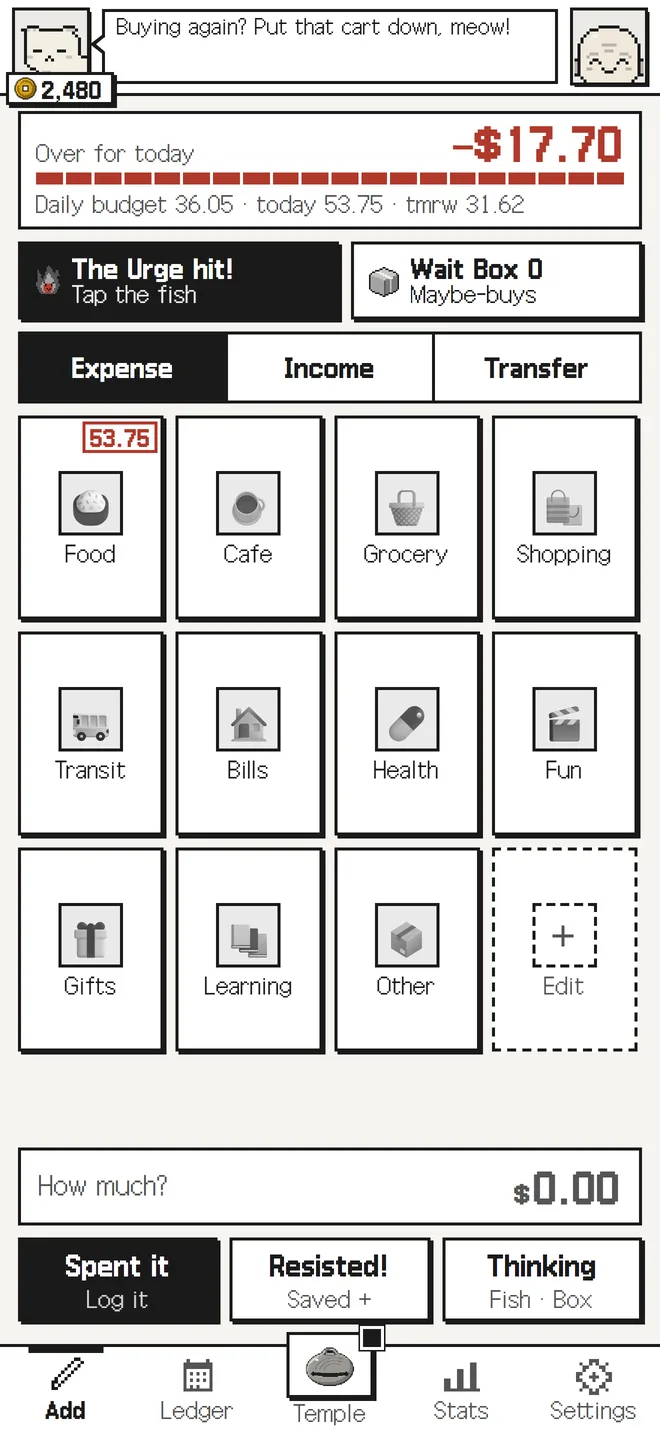
Buying again? Put that cart down, meow!


For the three seconds before checkout, when you wish someone would stop you.
A pixel budget tracker where a calm Monk and a sassy Kitty stop you right before you buy. Type the amount, tap one button, and the entry is saved.
Three seconds to checkout.Buying again?
Buying again? Put that cart down, meow!
Buying takes a moment; using takes years.
Don't you have one of these at home?
Nagging heard often becomes medicine.
A budget app records what you spent. Buying Again? steps in one moment earlier: what it cares about most is the pause before you spend.
We think the three seconds before checkout matter more than tidying up afterwards. So you also log what you did not buy, and your Money resisted adds up in a pile of its own.
Type the amount, then tap Spent it, Resisted or Thinking. Most people quit budgeting because logging is a chore, so we got rid of the chore first.
The Monk talks you down gently and Kitty pokes you with numbers. It can sting a little, but it is never mean.
No sign-up and no login. Everything is stored on the device, and you can export a file to move it to another phone.
Swipe sideways.
Amount, then one button. Income, transfers, recurring entries and balances per account are covered too.
Log what you did not buy and it adds up as Money resisted. Not sure yet? Park it in the Wait Box and decide later.
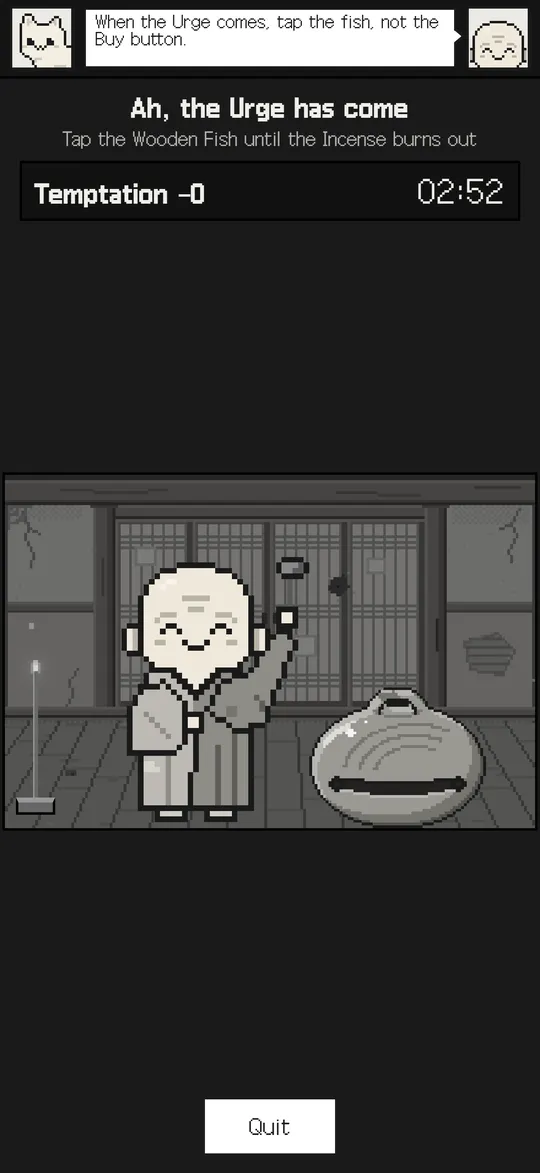
When the Urge hits, tap the Wooden Fish until the incense burns out. By then the Urge has usually passed.
Coffee, food delivery, late-night shopping, payday. The lines fit the moment, from Mild to Spicy.
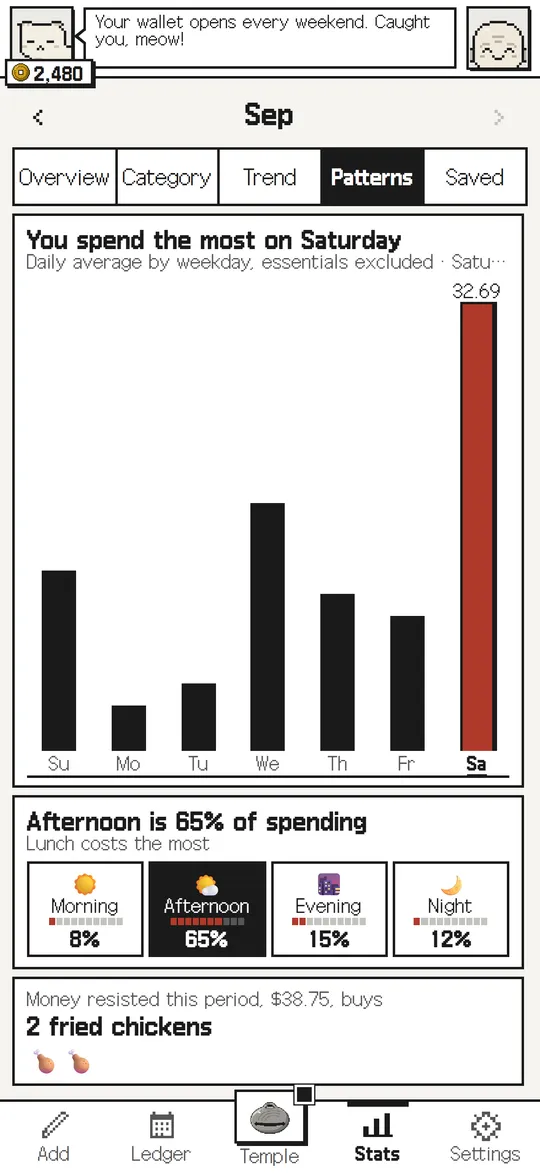
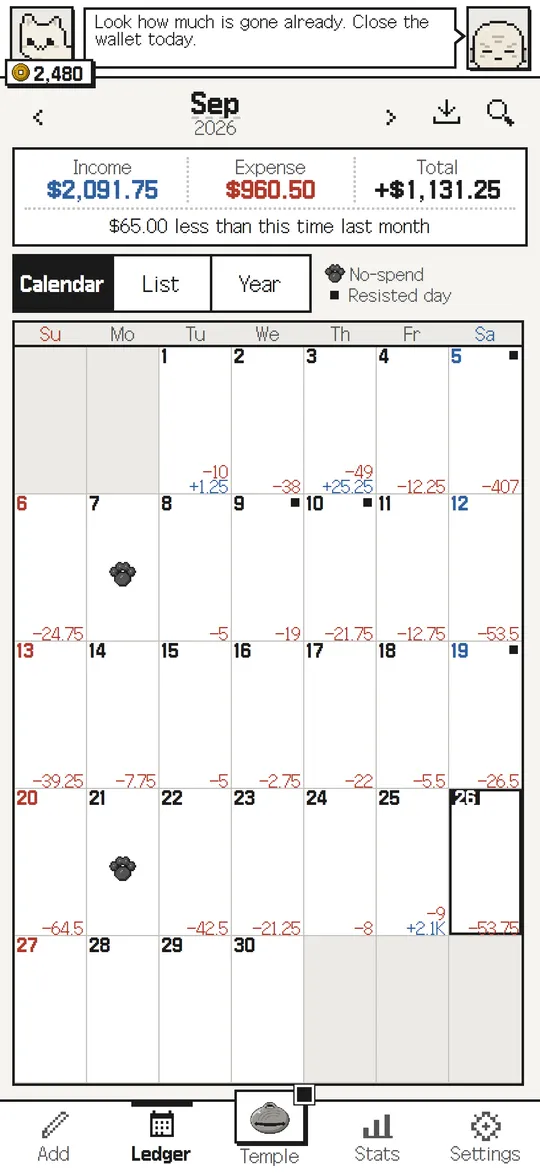
See the month on a calendar, then check category charts, budgets and how much you can spend today.
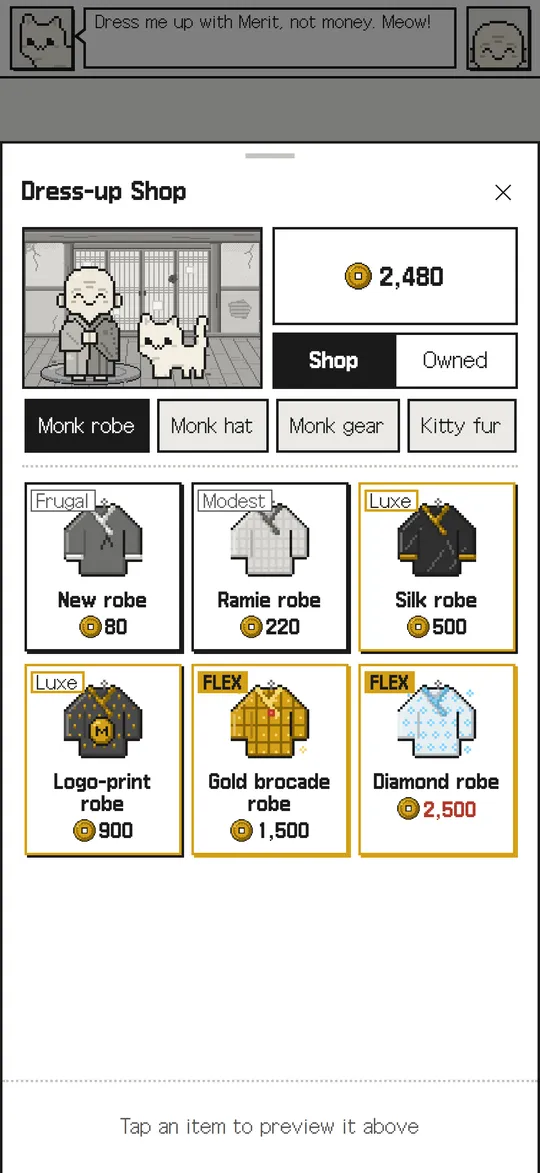
Spend the Merit you earn by resisting on hats for the Monk, outfits for Kitty and the Temple itself.
This is all the logging there is. Type the amount, then tap one of three.
Bought it again? At least you logged it.
Buying takes a moment; using takes years. Use it well.
Tap the Monk to knock. In the app you keep tapping until the incense burns out.
The Incense is out. Choose calmly now.
Type the amount, tap one button. Done.
From coffee to late-night shopping, they fit the moment.
USD, EUR, JPY, KRW and more.
No sign-up, and your records stay on your phone.
Buying Again? (Korean name: 또 사?) is a pixel-art budget tracker where a Monk and a Kitty nag you right before you pay. It records what you did not buy as well as what you spent, so it is built to cut impulse spending.
Yes, it is free. There is no sign-up and no login.
Right now it runs as a mini app inside the Toss app (Korea): search for '또 사?' and it opens with no install. The App Store and Google Play apps are in review, and the links will appear on this page when they are approved.
Your records stay on your device only. Nothing is sent to a server, and you can export a file to move them to another phone.
Most budget apps tidy up money you already spent. Buying Again? makes you pause first. What you skip adds up as Money resisted, the Wooden Fish gives the Urge time to pass, and the Wait Box holds things you are unsure about.
Korean, English, Japanese, Traditional Chinese and Vietnamese, with more than 40 currencies including USD, EUR, JPY and KRW.
Opens inside the Toss app (Korea). No install needed.
The App Store and Google Play versions open as soon as review is done.
Buying Again? was planned, designed, built and shipped by Baruda.