01
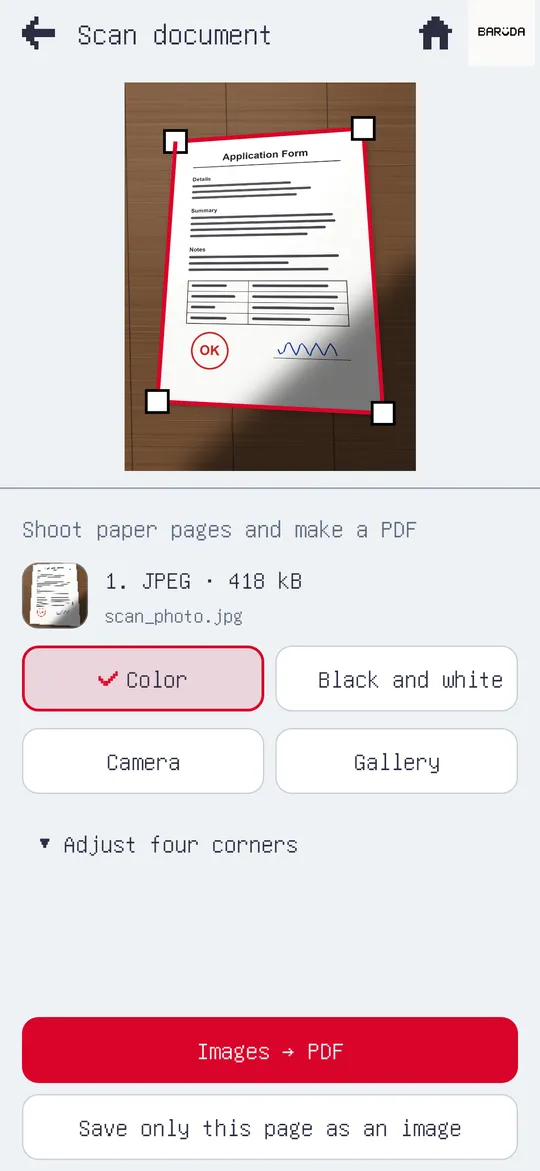
Snap. Scanned.
No scanner? No problem. Even a shadowy photo comes out flat and clean.
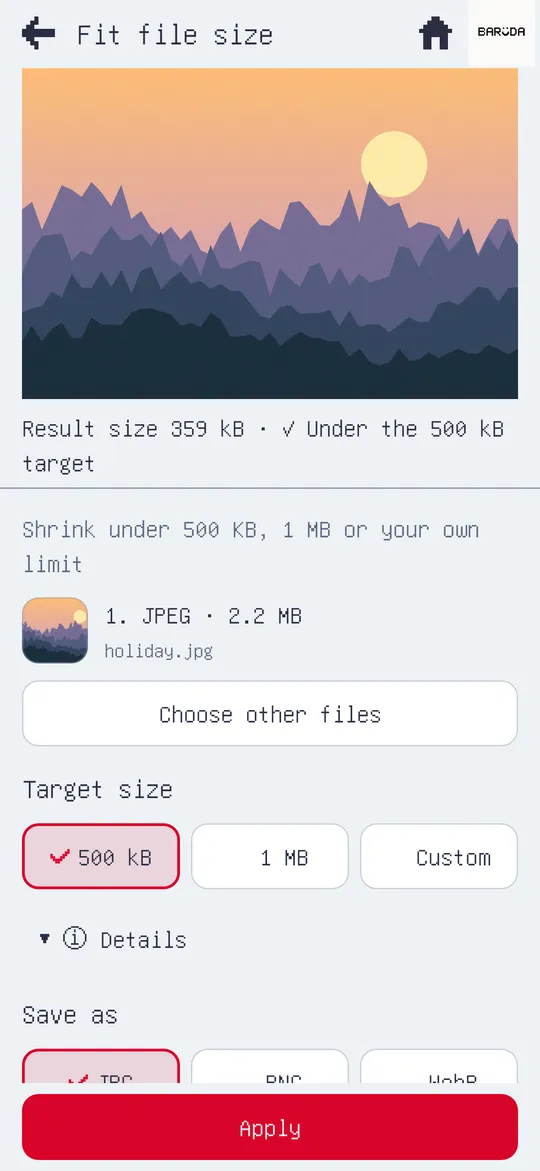
“File too large” again?

When the form says "file too large", one app is enough.
The form says "max 500 KB". Your photo is 4 MB. File Toolbox fixes that in a few taps. Scans, PDFs, GIFs, codes and ZIPs too: 26 small tools, all working on your phone.
Free · Nothing uploaded · No accountFit it to 500 KB
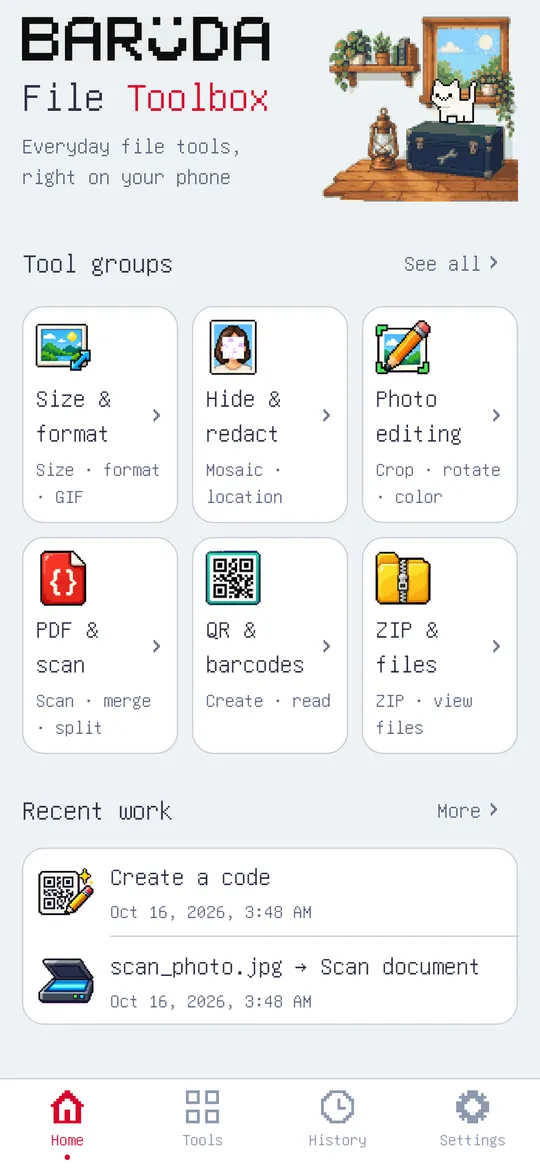
You should not need five apps to fix one file. File Toolbox gathers the file chores you actually have into 26 small tools, and finishes every one of them on your phone.
Scanning, shrinking, making GIFs: all of it is processed on your phone. The app does not upload your files.
There is no account. Pick a file, get a result.
Scan, photos, GIF, PDF, QR and barcodes, ZIP. The jobs you need for a form or before sending a photo, in one place.
A simple pixel screen with only the buttons you need. A little cat keeps you company while a task runs.
Keep scrolling.
No scanner? No problem. Even a shadowy photo comes out flat and clean.
“File too large” again? See the final size before you save.
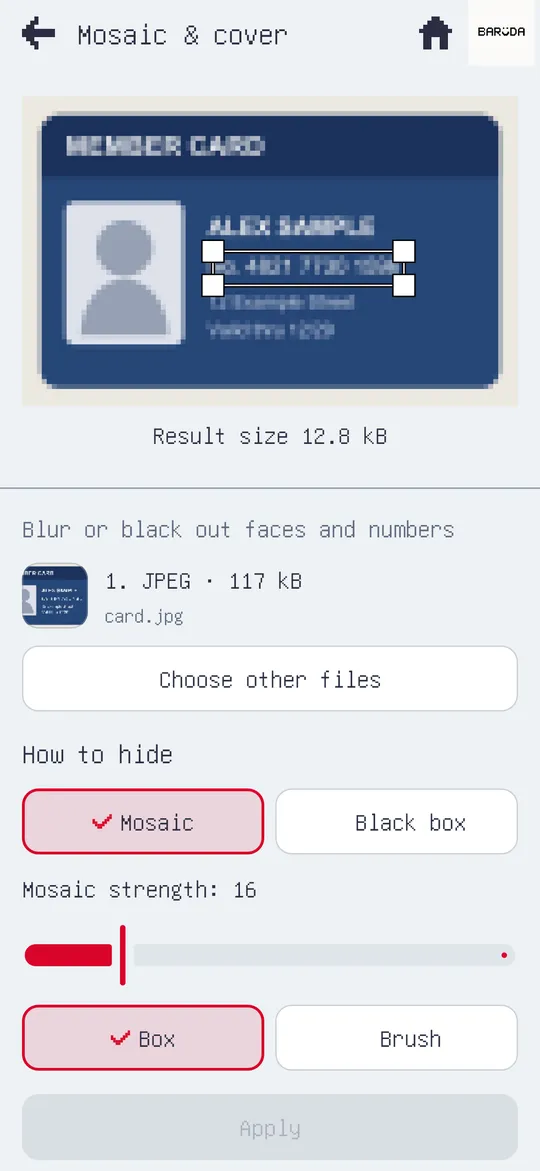
Sending your ID number as is? Mosaic or a black box, before you send.
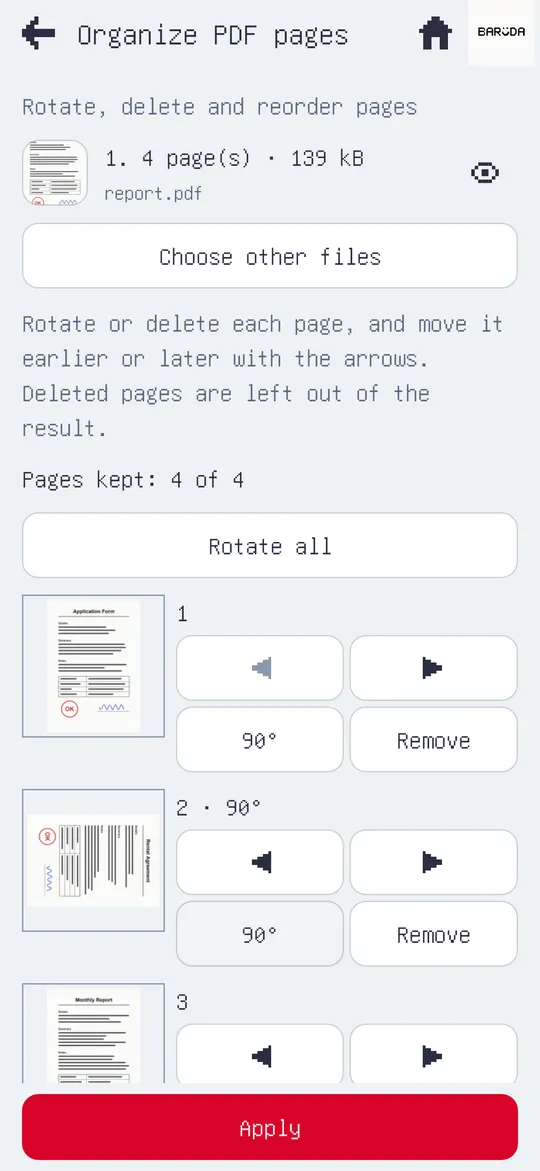
Another app just to merge PDFs? Merge · Split · Reorder · Rotate
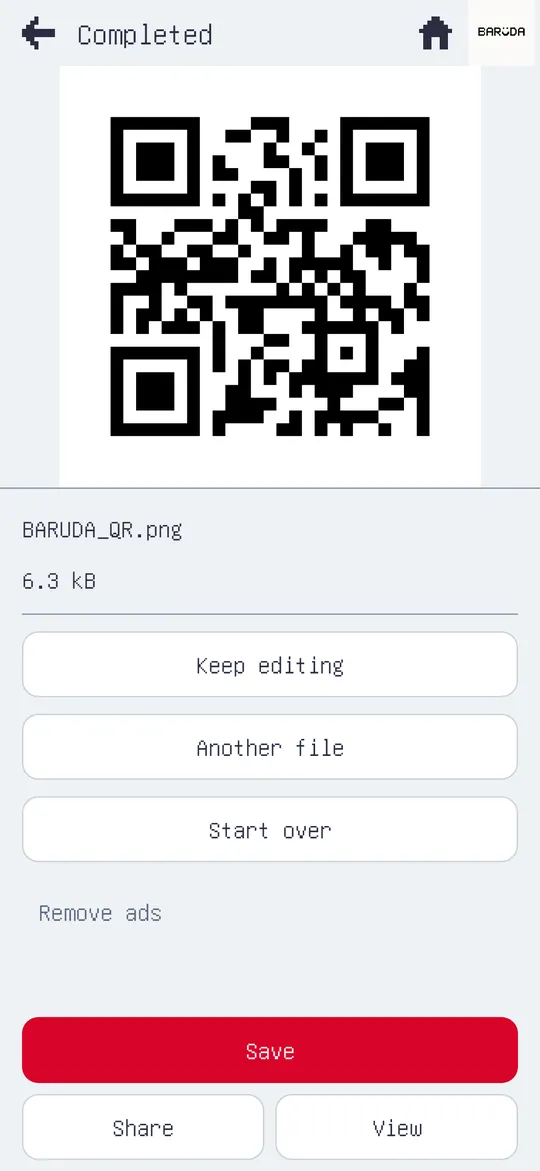
A pile of QR codes and barcodes Read them all from your photos into one list.
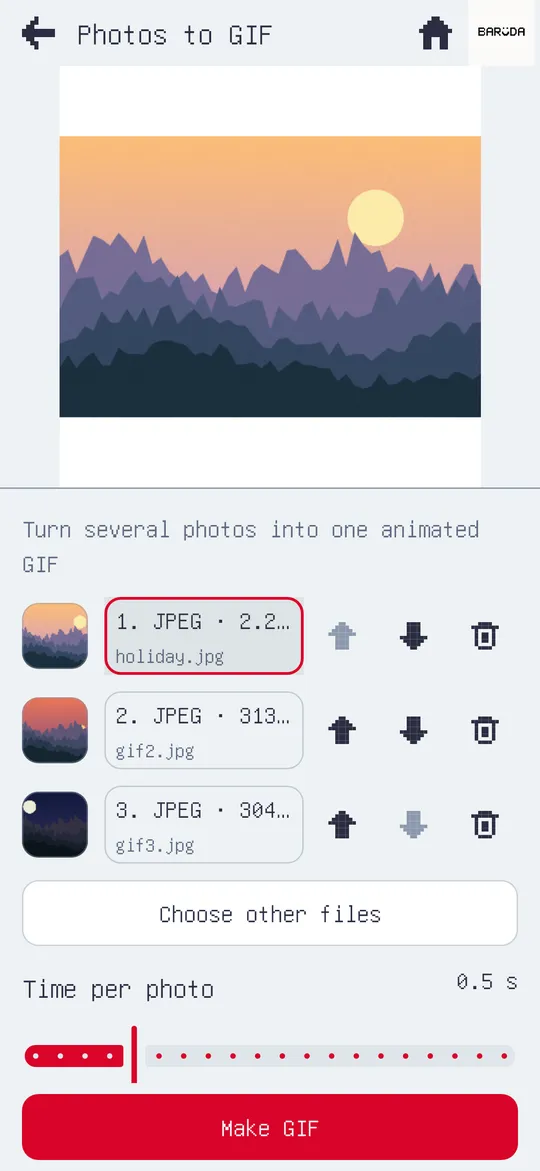
A few photos? Set the time and crop for each photo.
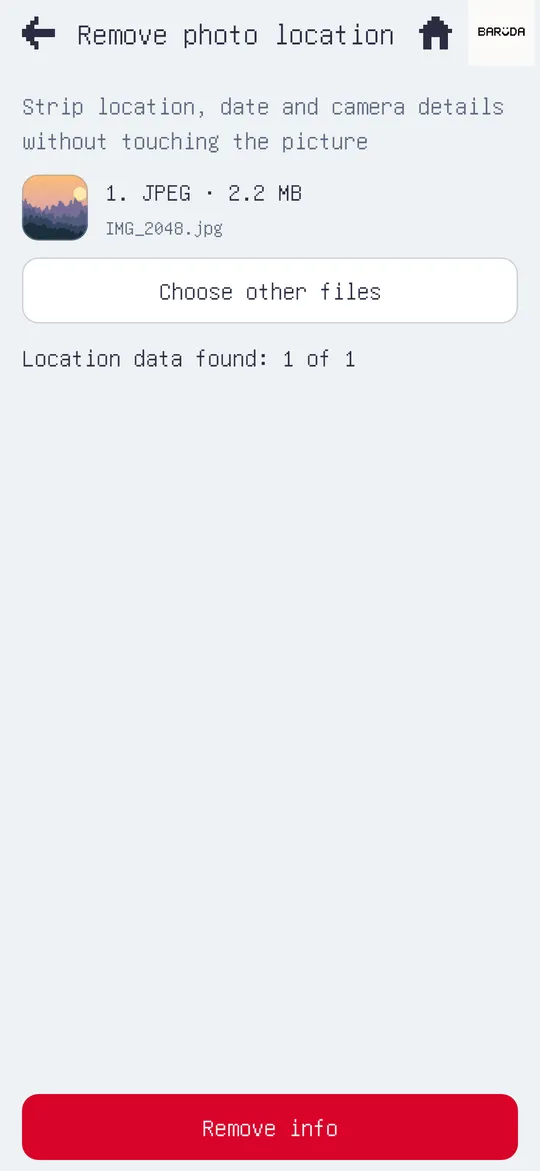
Location in photos? Location, date and device info, removed.
A taste of what the app does, on this page. Your photo is processed inside this browser only and is not uploaded anywhere.
Drag across the card. Whatever you drag over gets a mosaic.
Scan, photos, GIF, PDF, QR and barcodes, ZIP in one app.
Everything is processed on your device.
No sign-up. Just use it.
English, Korean, Japanese, Chinese, Vietnamese and more.
File Toolbox is an app with 26 small file tools in one place: scan documents, fit a photo under a size limit, mosaic private info, remove photo location, turn videos and photos into GIFs, merge and split PDFs, create and read QR codes and barcodes, create and extract ZIPs. Everything is processed on your device.
No. Files are processed on your device and the app does not upload them. There is no account. Advertising and purchase services may collect device and usage data as described in the privacy policy.
Every tool is free and identical for everyone. When you start a task and an ad is due, you choose: watch an ad to get the result, remove ads, or cancel. The task keeps running meanwhile, and the result opens once the ad has played to the end. If you cancel, the result is not kept; if no ad can load, the result opens without one. Opening a tool, saving, sharing and reopening results from History never show an ad. Ad-free passes (a weekly, monthly or yearly subscription) are optional.
Yes. In Fit file size you choose a limit such as 500 KB or 1 MB, the photo is squeezed under it, and you see the resulting size before you save.
Get it on the App Store for iPhone or on Google Play for Android.
Photos (JPG, PNG, WebP, HEIC), videos, motion photos and Live Photos (to make GIFs), PDFs, QR codes and barcodes (QR, Code 128, EAN-13, UPC-A) and ZIPs. It can also show images, PDFs, text, CSV and ZIP contents read-only.
Available now on the App Store and Google Play.
File Toolbox was planned, designed, built and shipped by Baruda.